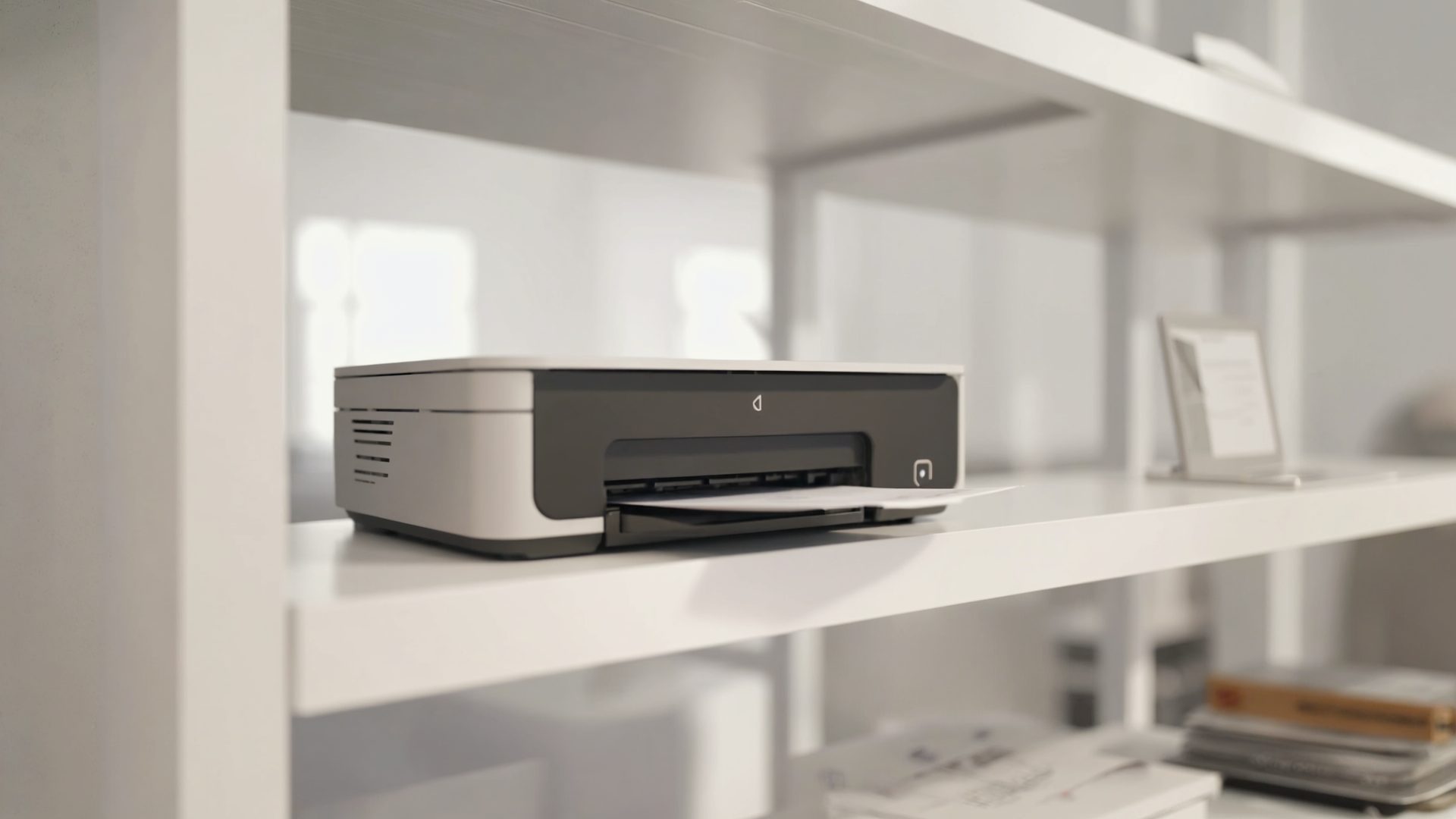
Remote workers need to print less than they used to, but when you need to print — contracts, tax documents, shipping labels, client presentations — you need it to work immediately. The worst home office experience is discovering your inkjet has dried out after two weeks of non-use, right when you need to print a signed contract.
The right printer for a home office is not the same as the right printer for a busy corporate office. You need reliability over speed, low cost-per-page over high volume, and wireless convenience over enterprise features. Here is a practical guide to finding the right printer for your home office.
Laser vs. Inkjet: The Fundamental Choice
Laser Printers
Laser printers use toner (dry powder) instead of liquid ink. Toner does not dry out, which makes laser printers ideal for infrequent printing — the most common home office pattern.
Advantages:
- Toner never dries out — prints perfectly after weeks or months of non-use
- Faster printing speed (20-40 pages per minute)
- Lower cost per page for black-and-white printing
- Sharper text output
- More reliable paper feeding
Disadvantages:
- Higher upfront cost than inkjet
- Color laser printers are expensive (both printer and toner)
- Photo quality is inferior to inkjet
- Larger physical footprint
- Toner replacement cartridges are expensive (but last much longer)
Inkjet Printers
Inkjet printers spray liquid ink onto paper. Modern inkjet printers have improved significantly, but the fundamental drawback remains: ink dries out when the printer sits idle.
Advantages:
- Lower upfront cost
- Better photo and color quality
- Smaller physical footprint
- Tank-based models (EcoTank, MegaTank) have very low cost per page
Disadvantages:
- Ink dries out after 2-4 weeks of non-use (traditional cartridge models)
- Slower printing speed
- Higher cost per page with traditional cartridges
- Print heads can clog
The Verdict
For most home offices: Get a monochrome (black-and-white) laser printer. It will work every time you need it, even if you have not printed in a month. For the rare color document, use a print service or your phone's photo printer.
If you need regular color printing: Get a tank-based inkjet (EcoTank/MegaTank). The large ink tanks resist drying better than cartridges and cost dramatically less per page.
Best Monochrome Laser Printers
Brother HL-L2460DW
The Brother HL-L2460DW is the best monochrome laser printer for most home offices. It is compact, reliable, fast, and affordable to operate.
Key Specs:
- Print speed: 36 pages per minute
- Automatic duplex (two-sided) printing
- Wi-Fi and USB connectivity
- Mobile printing (AirPrint, Mopria, Brother iPrint&Scan)
- 250-sheet paper tray
Pros:
- Excellent print quality for text and documents
- Toner lasts approximately 3,000 pages (standard) or 4,500 pages (high-yield)
- Compact footprint fits on a desk shelf
- Reliable paper feeding — minimal jams
- Setup takes under 10 minutes
Cons:
- No scanner or copier (print-only)
- No color printing
- Standard toner cartridge yield is moderate
Cost per page: Approximately 3.5 cents with high-yield toner.
Best for: Home office workers who primarily print documents, contracts, and text-heavy materials.
HP LaserJet Pro M140we
The HP LaserJet Pro M140we is a compact all-in-one (print, scan, copy) monochrome laser printer at a budget-friendly price point.
Key Specs:
- Print speed: 21 pages per minute
- Flatbed scanner and copier
- Wi-Fi connectivity
- HP Smart app for mobile printing
- 150-sheet paper tray
Pros:
- Scanner adds significant value for the price
- Very compact — one of the smallest all-in-one lasers available
- HP Smart app is well-designed for mobile scanning and printing
- Good print quality for text
Cons:
- Requires HP+ enrollment for full features (ties you to HP ecosystem)
- HP+ requires internet connection and HP account
- Toner cartridges are HP-proprietary — no third-party options with HP+
- Slower than the Brother HL-L2460DW
- Smaller paper tray
Cost per page: Approximately 4 cents per page.
Best for: Home offices that need scanning and copying along with printing in a compact package.
Best Color Laser Printers
Brother HL-L3295CDW
The Brother HL-L3295CDW is the best value in color laser printers. It delivers good color output for charts, graphs, and presentations at a reasonable cost per page.
Key Specs:
- Print speed: 31 pages per minute (color and mono)
- Automatic duplex printing
- Wi-Fi, USB, and Ethernet connectivity
- 250-sheet paper tray
- LED technology (similar to laser but uses LEDs)
Pros:
- Fast color and monochrome printing
- Good color accuracy for business documents
- Automatic duplex saves paper
- Network connectivity options
- Relatively compact for a color laser
Cons:
- Color toner costs add up — approximately 17 cents per color page
- No scanner or copier
- Photo quality is adequate but not comparable to inkjet
- Four separate toner cartridges to manage
Cost per page: ~3.5 cents (black), ~17 cents (color).
Best for: Home offices that regularly print color documents (presentations, charts, marketing materials) and want the reliability of laser.
Best Tank-Based Inkjet Printers
Epson EcoTank ET-2850
The Epson EcoTank ET-2850 is the best tank-based inkjet for home offices. The ink tanks hold enough ink for up to 4,500 black pages or 7,500 color pages — eliminating the ongoing cartridge expense.
Key Specs:
- Print, scan, copy (all-in-one)
- Wi-Fi and USB connectivity
- Automatic duplex printing
- Refillable ink tanks (no cartridges)
- Included ink lasts up to 2 years of typical use
Pros:
- Extremely low cost per page — approximately 0.3 cents black, 0.8 cents color
- Included ink bottles worth approximately $200 in equivalent cartridge cost
- Good color and photo quality
- Scanner for documents and photos
- No more buying expensive ink cartridges
Cons:
- Slower than laser (15.5 ppm black, 8.5 ppm color)
- If ink sits unused for extended periods, print heads can still clog (less likely than cartridge models but possible)
- Print quality on plain paper is good but not as sharp as laser for text
- Initial purchase price is higher than cartridge inkjets
Cost per page: ~0.3 cents (black), ~0.8 cents (color).
Best for: Home offices with moderate to high color printing needs who want to minimize ongoing ink costs.
Canon PIXMA MegaTank G7020
The Canon PIXMA MegaTank G7020 adds faxing, an automatic document feeder, and Ethernet to the tank-based inkjet formula.
Pros:
- All-in-one with fax capability (still needed in some industries)
- Auto document feeder for multi-page scanning
- Ethernet + Wi-Fi connectivity
- Very low cost per page
- Good print quality
Cons:
- Larger footprint than the EcoTank ET-2850
- Fax feature is irrelevant for most users
- Slower printing speed
- More complex setup
Best for: Home offices that need faxing capability or frequent multi-page document scanning.
What to Look For
Connectivity
Wi-Fi: Essential for home offices. Print from any device on your network without USB cables — though reliable wireless printing depends on having one of the best Wi-Fi routers for working from home behind it.
AirPrint: Print from iPhone, iPad, and Mac without installing drivers.
Mobile app: Most modern printers have manufacturer apps (HP Smart, Epson Smart Panel, Brother iPrint) for printing from phones and tablets.
Ethernet: Useful if your Wi-Fi is unreliable or if you want the printer on a wired network segment.
Printers also draw standby power around the clock. Putting yours on one of the best smart plugs lets you cut that idle draw on a schedule and power the printer up only when you need it.
Duplex Printing
Automatic duplex (two-sided) printing saves paper and is essential for professional-looking documents. Manual duplex (flipping pages yourself) is tedious and error-prone. Insist on automatic duplex.
Scanner
If you ever need to scan documents, receipts, or signed contracts, get an all-in-one rather than a separate scanner. The convenience of walk-up scanning saves time.
Paper Handling
- Tray capacity: 250 sheets is adequate for most home offices. Under 150 sheets means frequent refilling. Keep spare paper and supplies tidy nearby with the right office storage solutions.
- Paper size: Ensure the printer handles the sizes you need (letter, legal, envelopes).
- Manual feed: A manual feed slot for envelopes and special media prevents paper tray reconfiguration.
Cost Per Page Comparison
| Printer | Black CPP | Color CPP | Toner/Ink Cost | Pages per Set |
|---|---|---|---|---|
| Brother HL-L2460DW | 3.5 cents | N/A | $65 (high-yield) | 4,500 |
| HP LaserJet Pro M140we | 4 cents | N/A | $80 | 2,000 |
| Brother HL-L3295CDW | 3.5 cents | 17 cents | $200 (full set) | 3,000/2,300 |
| Epson EcoTank ET-2850 | 0.3 cents | 0.8 cents | $40 (full refill) | 4,500/7,500 |
Recommendations
Print rarely, need reliability: Brother HL-L2460DW. Toner never dries out. Works every time. Under $200.
Need scanning too, tight budget: HP LaserJet Pro M140we. All-in-one laser under $200. Accept the HP ecosystem lock-in.
Print frequently in color: Epson EcoTank ET-2850. The math is simple — if you print more than 200 color pages per year, tank-based inkjet pays for itself versus cartridges within the first year.
Need color laser reliability: Brother HL-L3295CDW. Fast, reliable, no drying concerns. Accept the higher color cost per page.
The single most important decision is laser vs. inkjet. If you print infrequently (a few times per month), laser is almost always the right choice. If you print frequently and need color, tank-based inkjet is the most economical. Traditional cartridge-based inkjets are rarely the best choice for any home office scenario in 2026.
Frequently Asked Questions
Should I get a laser or inkjet printer for my home office?
If you print infrequently (a few times per month), get a monochrome laser printer. Toner never dries out, so it works every time you need it — even after weeks of non-use. If you print frequently in color, a tank-based inkjet like the Epson EcoTank ET-2850 offers extremely low cost per page.
What is the cheapest printer to operate for a home office?
Tank-based inkjet printers have the lowest cost per page. The Epson EcoTank ET-2850 costs approximately 0.3 cents per black page and 0.8 cents per color page. For black-and-white only, the Brother HL-L2460DW costs about 3.5 cents per page with high-yield toner — still very affordable for moderate printing volumes.
Do I need a scanner in my home office printer?
If you ever scan contracts, receipts, tax documents, or signed forms, an all-in-one printer with a built-in scanner is much more convenient than a separate scanner. The HP LaserJet Pro M140we and Epson EcoTank ET-2850 both include scanning and copying.
Why does my inkjet printer not work after sitting idle?
Traditional cartridge-based inkjet printers use liquid ink that dries out after 2-4 weeks of non-use, clogging the print heads. This is the number one complaint about inkjets in home offices. Switching to a laser printer (which uses dry toner that never dries) or a tank-based inkjet (which resists drying better than cartridges) solves this problem.
Is the HP+ subscription worth it?
HP+ is free but locks you into HP's ecosystem: you must use HP-branded cartridges, maintain an internet connection, and keep an HP account. The trade-off is extended warranty coverage and some cloud features. If you want flexibility to use third-party toner, skip HP+ and consider the Brother HL-L2460DW instead.
📚 Recommended Resources
- Remote: Office Not Required by Jason Fried — The blueprint for productive remote work. Covers everything from communication to home office setup philosophy.
- The Organized Mind by Daniel Levitin — Why organizing your physical workspace — including a reliable printer setup — boosts cognitive performance.
- Printer Stand with Storage Shelf — Keep your printer off your desk with a dedicated stand. Adds storage for paper and supplies underneath.
Related Articles
- Best Wi-Fi Routers for Work From Home — reliable wireless printing needs reliable Wi-Fi
- Best Office Storage Solutions — store paper and supplies organized
- Best Drawer Organizers for Home Office — keep printer supplies sorted
- Power Strip and Surge Protector Guide — protect your printer with proper surge protection
- Best USB-C Docking Stations for Mac — connect your printer through a dock
- Best Desk Shelves and Monitor Risers — place your printer on a dedicated shelf
- Best Desk Clocks and Timers — manage your time while waiting for print jobs
Explore More Reviews
- Best Mattresses for Back Pain Relief on RestWell
- Best Homeschool Curriculum Kits 2026 on KidGearPro