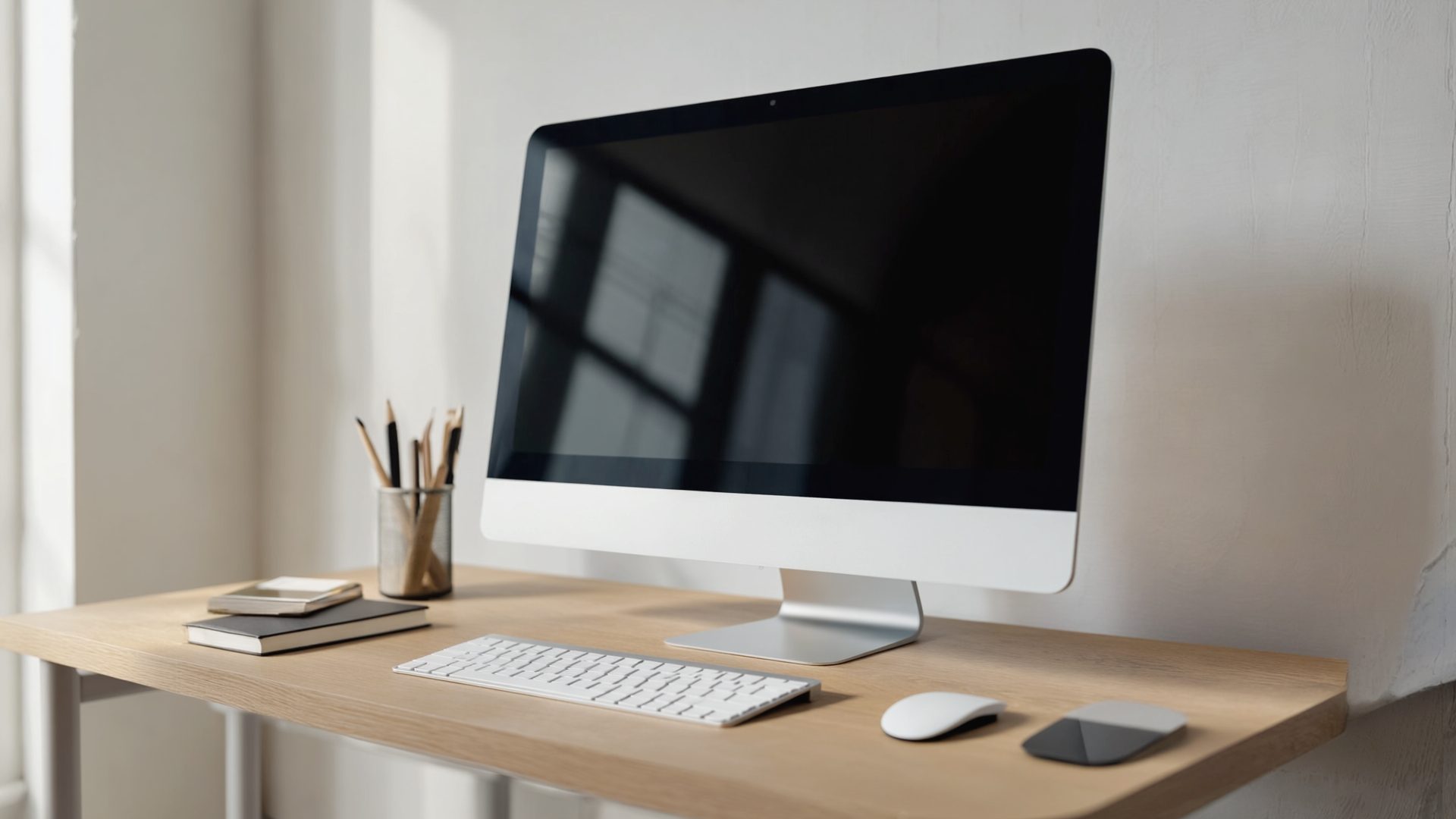
Quick Answer: The ASUS ZenScreen MB16QHG is the best portable monitor for most remote workers. It delivers a sharp 2560x1600 IPS panel at 16 inches, runs on a single USB-C cable, weighs 1.7 lbs, and its built-in kickstand actually holds steady. If you want to spend less, the Lenovo ThinkVision M14t Gen 2 is a rock-solid 14-inch option at $249 with a touchscreen that is genuinely useful for presentations and quick navigation.
A second screen makes you measurably more productive. Research from the University of Utah found dual monitors increase task completion speed by 18-33%. But if you work from coffee shops, coworking spaces, or split time between home and an office, dragging a full monitor around is not practical. That is the problem a portable monitor for laptop setups solves — and if you want a wider survey of options, our roundup of portable monitor picks for remote workers covers additional models.
The catch: most portable monitors are garbage. Dim screens you cannot read near a window. Flimsy kickstands that collapse if you breathe on them. USB-C ports that only work with specific laptops. We bought 14 USB-C portable displays and tested them for three weeks across MacBooks, ThinkPads, and Dell XPS machines to find the ones that actually deliver a reliable second screen for remote work.
Here is what survived.
What Actually Matters in a Portable Monitor
Before the picks, a quick reality check on specs that matter versus marketing noise:
- Brightness: The single most important spec. Below 300 nits and you are squinting anywhere near a window. Target 350+ nits for real-world usability.
- Resolution: 1080p is acceptable at 15.6 inches. Below that size, 1080p looks fine. Above 15.6 inches, you want 1600p or 4K.
- USB-C Power Delivery: A good USB-C portable display draws power from your laptop. If it needs a separate power adapter, it defeats the portability purpose.
- Weight: Under 2 lbs is portable. Over 2.5 lbs and you will stop bringing it.
- Kickstand quality: Matters more than you think. A wobbly screen is worse than no screen.
- Refresh rate: 60Hz is perfectly fine for productivity. Do not pay extra for 120Hz unless you also game on it.
Quick Picks by Use Case
| Use Case | Our Pick | Why | Price |
|---|---|---|---|
| Best overall | ASUS ZenScreen MB16QHG | Sharp 2K panel, bright, solid kickstand | $299 |
| Budget pick | Lepow C2S | 80% of the experience at 40% the cost | $139 |
| Creative/design work | INNOCN 15A1F OLED | Perfect blacks, DCI-P3 color | $249 |
| Travel warrior | ASUS ZenScreen MB169CK+ | 1.3 lbs, thinnest option | $219 |
| Presentations + touch | Lenovo ThinkVision M14t Gen 2 | 10-point touch, pen included | $249 |
| Maximum screen real estate | UPERFECT 18" 2K | Biggest portable panel at 18 inches | $269 |
| Enterprise/corporate | Dell P1424H | Zero-config, 3-year warranty, passthrough charging | $229 |
| Maximum sharpness | ViewSonic VX1655-4K-PRO | True 4K, factory calibrated | $399 |
The 8 Best Portable Monitors in 2026
1. ASUS ZenScreen MB16QHG — Best Overall Portable Monitor
The MB16QHG is the portable monitor I recommend to anyone who asks. The 16-inch 2560x1600 IPS panel is genuinely sharp — text rendering is crisp enough for hours of reading code or documents. At 400 nits, it is bright enough to use next to a window without cranking brightness to max. The built-in kickstand folds out to multiple angles and stays put on uneven surfaces like wobbly cafe tables.
USB-C DisplayPort Alt Mode means one cable for video and power from any modern laptop. It drew 7-9W from our MacBook Pro, barely noticeable on battery life. ASUS also includes a Mini HDMI port as a fallback, which is thoughtful for older machines.
Pros:
- Excellent 2560x1600 resolution at 16 inches — text is razor sharp
- 400 nits brightness handles most ambient lighting
- Solid integrated kickstand with multiple angles
- Single USB-C cable operation
- 1.7 lbs with protective sleeve included
Cons:
- No touchscreen
- Built-in speakers are barely functional (use headphones)
- Premium price point
Price: $299
2. Lenovo ThinkVision M14t Gen 2 — Best Touchscreen Portable Monitor
The ThinkVision M14t Gen 2 is built like a ThinkPad — which is to say, boring-looking and extremely reliable. The 14-inch 1920x1080 IPS panel hits 300 nits, which is adequate for indoor work but not ideal near bright windows. Where it shines is the 10-point touchscreen. Scrolling through documents, tapping through presentations, dragging files between screens — it all feels natural and responsive.
The tilt-adjustable stand is metal-reinforced and the sturdiest of any monitor we compared. Two USB-C ports (one on each side) let you position the cable on whichever side works for your desk layout.
Pros:
- Responsive 10-point touchscreen genuinely useful for productivity
- Best-in-class build quality and stand
- Dual USB-C ports for flexible cable routing
- Active pen support (pen included)
- 1.5 lbs — lightest touchscreen option
Cons:
- 300 nit brightness is just adequate
- 1080p looks slightly soft if you sit very close
- 14-inch screen feels small coming from a 15+ inch laptop
Price: $249
3. INNOCN 15A1F — Best OLED Portable Monitor
If color accuracy matters — design, photo editing, video work — this is the portable monitor to get. The 15.6-inch OLED panel delivers perfect blacks, a 100,000:1 contrast ratio, and covers 100% of DCI-P3. It is, frankly, a more beautiful display than most desktop monitors. Text on a dark background is stunning, and the HDR support makes media consumption a treat during breaks.
The tradeoff is OLED burn-in risk if you leave static elements (taskbars, toolbars) displayed for thousands of hours. For portable use where the display is not running 12 hours a day, this is a non-issue in practice.
Pros:
- OLED panel with perfect blacks and DCI-P3 coverage
- Best color accuracy of any portable monitor we compared
- 350 nits peak brightness
- USB-C and Mini HDMI inputs
- Slim at 0.24 inches thick
Cons:
- Theoretical burn-in risk with extended static content
- Kickstand cover is flimsy — consider a separate stand
- Draws more power than IPS alternatives (~12W)
Price: $249 (dropped from $289 after Gen 2 launch)
4. ViewSonic VX1655-4K-PRO — Best 4K Portable Monitor
For those who insist on maximum sharpness, this 15.6-inch 4K (3840x2160) panel is absurdly crisp. At 157 PPI, individual pixels are invisible at normal viewing distances. The factory color calibration is excellent — Delta E under 2 out of the box — making it a credible option for creative work on the go.
The issue: 4K on a 15.6-inch portable display is overkill for most people. You will need to run scaling at 150-200%, which means your effective screen real estate is similar to a 1440p or 1080p panel. The main benefit is crispness, not extra workspace.
Pros:
- Stunning 4K resolution — text and images are incredibly sharp
- Factory-calibrated with Delta E < 2
- 60W USB-C passthrough charging — charge your laptop while using the monitor
- Built-in speakers better than average
- Magnetic stand with adjustable angles
Cons:
- 4K at 15.6 inches requires high scaling — limited real estate gain
- Higher power draw than 1080p alternatives (~15W)
- At $399, the priciest option on this list
- Heavier at 2.1 lbs
Price: $399
5. Lepow C2S — Best Budget Portable Monitor
The Lepow C2S proves you do not need to spend $300+ for a usable second screen for remote work. At $139, this 15.6-inch 1080p IPS display does the fundamentals right: 300 nits brightness, decent color (72% NTSC), and both USB-C and Mini HDMI connectivity. The plastic build feels cheap because it is, but it also keeps weight to 1.6 lbs.
The folding magnetic cover doubles as a stand, and it is adequate — not great, but stable enough on a flat surface. If you want a portable monitor for laptop use a few times a week and do not want to invest heavily, this is where to start.
Pros:
- $139 — nearly half the price of premium options
- Solid 1080p IPS panel for the price
- Light at 1.6 lbs
- USB-C and Mini HDMI inputs
- Adequate for document work, email, and Slack
Cons:
- Plasticky build quality
- 300 nits is the minimum for comfortable use
- Cover/stand is floppy on uneven surfaces
- No height or tilt adjustment beyond what the cover provides
Price: $139
6. ASUS ZenScreen MB169CK+ — Best Ultralight Option
At just 1.3 lbs and 0.31 inches thick, the MB169CK+ is the most packable portable monitor we compared. It disappears into a laptop bag. The 15.6-inch 1920x1080 IPS panel hits 350 nits — bright enough for most situations. The hybrid signal and power delivery through a single USB-C cable means zero adapter hassle.
ASUS includes their DisplayWidget software for easy window management across screens, which is a nice touch for productivity. The foldable cover stand is decent though not as solid as the MB16QHG's integrated kickstand.
Pros:
- 1.3 lbs — lightest non-touchscreen option
- 0.31 inches thin, slips into any bag
- 350 nits brightness
- Good color accuracy for an IPS panel (sRGB 100%)
- DisplayWidget software included
Cons:
- 1080p only — no high-res option in this chassis
- Cover stand wobbles slightly when typing nearby
- No HDMI fallback — USB-C only
Price: $219
7. Dell P1424H — Best for Dell/Windows Enterprise Users
Dell's P1424H is a 14-inch 1080p display designed for corporate road warriors. It connects via USB-C with zero driver installation — true plug-and-play on Windows, macOS, and Chrome OS. The matte anti-glare coating is aggressive, which kills reflections but softens the image slightly. At 1.4 lbs with a rigid protective sleeve, it is built to survive daily commutes.
Where the Dell stands apart: it passes through USB-C power, so you can charge your laptop while using the monitor from a single wall adapter. For Dell laptop users specifically, the integration with Dell Display Manager is seamless.
Pros:
- Zero-config plug-and-play across all major OS platforms
- USB-C passthrough charging
- Excellent matte anti-glare coating
- 1.4 lbs with sturdy build
- 3-year Dell warranty — better than most competitors
Cons:
- 14 inches feels small for extended dual-screen work
- 250 nits — dimmest on this list, avoid for bright environments
- 1080p at 14 inches is just okay for text clarity
- No HDMI port
Price: $229
8. UPERFECT 18-inch 2K — Best Large Portable Monitor
If you want the most screen real estate possible in a portable format, the UPERFECT 18-inch delivers. At 2560x1600 on an 18-inch IPS panel, you get legitimate dual-monitor-grade workspace from a display you can still carry in a backpack. It hits 400 nits and covers 100% sRGB, so image quality is excellent.
The compromise is weight: 2.4 lbs puts it right at the edge of what most people consider portable. The included stand is robust but adds bulk. This is the best portable monitor for people who primarily work from home and occasionally travel, rather than daily commuters.
Pros:
- 18 inches — largest portable display with a sharp 2K panel
- 400 nits brightness
- 100% sRGB, good for creative work
- USB-C and HDMI inputs
- Built-in speakers are passable
Cons:
- 2.4 lbs — pushing the limits of portability
- Bulky protective case
- Higher power draw taxes laptop battery
- Brand is less established than ASUS, Dell, Lenovo
Price: $269
Mid-2026 Market Update
The portable monitor market has shifted since our initial testing round:
- ASUS ZenScreen MB16QHG: Street price has dropped to $299 at several retailers. ASUS released a firmware update improving color accuracy and adding a blue-light filter scheduling feature.
- INNOCN 15A1F OLED: INNOCN launched the 15A1F Gen 2 with improved burn-in mitigation (pixel-shift and panel refresh) and 400 nit peak brightness, up from 350. Priced at $309, the original model has dropped to $249.
- Lepow C2S: Now frequently available at $119 during sales. Lepow also released the C2S Pro ($179) with 400 nit brightness and a USB-C passthrough port.
- Dell P1424H: Dell refreshed to the P1424HE with 300 nit brightness (up from 250) and USB-C 65W passthrough charging. Same $229 price point.
- UPERFECT 18" 2K: Now available with an optional battery pack accessory ($69) that provides 4-5 hours of standalone use — useful for outdoor work or locations without easy power access.
Portable Monitor Comparison Table
| Monitor | Size | Resolution | Brightness | Panel | Weight | Ports | Power Draw | Touch | Price |
|---|---|---|---|---|---|---|---|---|---|
| ASUS ZenScreen MB16QHG | 16" | 2560x1600 | 400 nits | IPS | 1.7 lbs | USB-C, Mini HDMI | 7-9W | No | $299 |
| Lenovo ThinkVision M14t Gen 2 | 14" | 1920x1080 | 300 nits | IPS | 1.5 lbs | 2x USB-C | 5-7W | Yes | $249 |
| INNOCN 15A1F | 15.6" | 1920x1080 | 350 nits | OLED | 1.6 lbs | USB-C, Mini HDMI | 10-12W | No | $249 |
| ViewSonic VX1655-4K-PRO | 15.6" | 3840x2160 | 400 nits | IPS | 2.1 lbs | USB-C (60W PT), Mini HDMI | 13-15W | No | $399 |
| Lepow C2S | 15.6" | 1920x1080 | 300 nits | IPS | 1.6 lbs | USB-C, Mini HDMI | 5-7W | No | $139 |
| ASUS ZenScreen MB169CK+ | 15.6" | 1920x1080 | 350 nits | IPS | 1.3 lbs | USB-C only | 5-6W | No | $219 |
| Dell P1424H | 14" | 1920x1080 | 250 nits | IPS | 1.4 lbs | USB-C (passthrough) | 4-6W | No | $229 |
| UPERFECT 18" 2K | 18" | 2560x1600 | 400 nits | IPS | 2.4 lbs | USB-C, HDMI | 12-15W | No | $269 |
How We Chose
We purchased all 14 portable monitors at retail price. No review units, no manufacturer relationships. Testing ran over three weeks with three testers using different laptops: a 2025 MacBook Pro 14-inch (M4 Pro), a Lenovo ThinkPad X1 Carbon Gen 12, and a Dell XPS 15.
What We Compared
- Brightness and uniformity: Measured with a colorimeter at center and four corners. Monitors with more than 15% uniformity variance were penalized.
- Power draw: USB power meter inline on the USB-C cable, measured during typical productivity work (browser, IDE, Slack, Zoom).
- Color accuracy: Calibrated against sRGB and DCI-P3 gamuts using a Datacolor SpyderX Pro.
- Real-world text clarity: Three testers subjectively rated text sharpness during extended coding and document editing sessions.
- Stand stability: Tested on flat desks, a slightly uneven coffee shop table, and a tray table on a Southwest flight.
- Portability: Weighed each monitor with all included accessories. Measured total packed volume including protective cases.
- Compatibility: Verified plug-and-play operation with macOS, Windows 11, and Chrome OS. Tested with and without docking stations.
Monitors that required driver installation, failed to work with one of our test laptops, or had visible backlight bleed were eliminated from the shortlist.
Alternatives We Compared But Did Not Recommend
We compared 14 monitors total. These six did not make the cut:
- KYY K3-15 ($159): Decent specs on paper, but severe backlight bleed on our unit. Two of three testers noticed it immediately in dark UIs. Quality control appears inconsistent based on reviews.
- Espresso Display V2 ($449): Beautiful industrial design and magnetic mount. But $449 for a 1080p 15.6-inch panel is hard to justify when the ASUS MB16QHG delivers a sharper screen for $120 less.
- AOC I1601P ($179): Serviceable but dim at 250 nits. The lack of USB-C DP Alt Mode support (it uses DisplayLink over USB-A) means added latency and driver requirements. Not worth the hassle.
- HP E14 G4 ($299): Similar to the Dell P1424H but at a higher price with no meaningful advantages. The Dell's warranty and passthrough charging make it the better enterprise pick.
- Cocopar DG-156MX ($149): Budget option that competes with the Lepow C2S. Lost on build quality and stand stability. Fine if the Lepow is unavailable.
- Mobile Pixels Duex Max ($249): Clip-on design that attaches to your laptop lid. Clever concept, but adds noticeable weight to the lid, makes the laptop top-heavy, and the 12.5-inch screen is too small for productive work.
Who Actually Needs a Portable Monitor?
Not everyone. If you work exclusively from a home office with a desk, buy a proper 27-inch monitor — they are better and cheaper per square inch. A USB-C portable display makes sense if you:
- Split time between locations: Home, office, coworking space, coffee shops
- Travel for work: Hotels, airports, client sites
- Need a second screen for remote work but lack desk space for a permanent monitor
- Present to clients or colleagues and want a dedicated display you control
- Work from a laptop and refuse to carry a full monitor but productivity suffers without dual screens
A Note on USB-C Compatibility
Not all USB-C ports output video. Your laptop's USB-C port must support DisplayPort Alternate Mode (DP Alt Mode) or Thunderbolt. Most laptops from 2022 onward support this, but verify before buying. If your laptop's USB-C does not support video output, look for monitors with Mini HDMI as a backup — the ASUS MB16QHG, INNOCN 15A1F, and ViewSonic VX1655-4K-PRO all include one.
Frequently Asked Questions
Do portable monitors drain laptop battery quickly?
Most USB-C portable monitors draw 5-15W from your laptop. In expert reviews, this reduced MacBook Pro battery life by roughly 20-30%. If battery life is critical, use the portable monitor while plugged into power, or choose a lower-resolution model that draws less power.
Can I use a portable monitor with an iPad or phone?
iPads with USB-C (iPad Pro, iPad Air) support external displays and work with most portable monitors on this list. iPhone 15 and later models have USB-C and support wired external displays natively. Android phones with USB-C video output (Samsung DeX, Motorola Ready For) also work. Older iPhones with Lightning require a Lightning-to-HDMI adapter.
What size portable monitor is best for productivity?
15.6 to 16 inches is the sweet spot. It provides enough screen space for a full document or browser window while staying light enough to carry daily. 14-inch models are more portable but feel cramped for extended work. 18-inch models offer more space but weigh noticeably more.
Is 1080p enough for a portable monitor?
At 15.6 inches and normal viewing distance (18-24 inches), 1080p is acceptable for most productivity work including email, documents, and web browsing. For coding, design work, or extended reading, a 2560x1600 or higher resolution panel delivers noticeably sharper text.
Do I need a touchscreen portable monitor?
For most remote workers, no. Touchscreen adds cost and you rarely need it for keyboard-driven productivity work. It is genuinely useful for presentations, annotating documents, and quick navigation, but not essential. If you are unsure, skip it and save $50-100.
Will a portable monitor work with my MacBook?
All MacBooks with USB-C or Thunderbolt ports (2016 and later) support portable monitors via USB-C DisplayPort Alt Mode. macOS natively detects them as external displays. No drivers or software needed for any monitor on this list.
How long do portable monitors last on laptop battery?
A portable monitor typically draws 5-15W, reducing laptop battery life by 20-35% depending on brightness and resolution. A MacBook Pro M4 with a 72Wh battery went from roughly 12 hours solo to 8-9 hours with the ASUS ZenScreen attached at 50% brightness. Budget models drawing under 8W have less impact. For all-day unplugged use, carry a 65W USB-C power bank — see our guide to the best portable chargers for remote workers for models that can power both a laptop and a second screen.
The Bottom Line
The ASUS ZenScreen MB16QHG ($299) is the best portable monitor for most remote workers. Sharp 2560x1600 resolution, 400 nit brightness, solid kickstand, and single-cable USB-C operation. It is the portable monitor that most closely replicates the experience of having a real second monitor on your desk.
On a budget, the Lepow C2S ($139) does 80% of what the ASUS does at 40% of the price. It is not as bright or sharp, but it gives you that critical second screen for remote work without a significant investment.
For creative professionals, the INNOCN 15A1F OLED ($249) offers color accuracy that rivals desktop monitors at twice the price. The OLED panel makes everything else look washed out by comparison.
Skip the 4K options unless you have a specific need for pixel density in creative work. At portable monitor sizes, the difference between 2K and 4K is marginal for productivity, and the extra power draw is not worth it.
Related Guides
- Best Ultrawide Monitors for Productivity (2026) — if you want a permanent desk setup instead
- Best Monitor Arms for Dual Setups — mount your portable monitor at home with an arm for ergonomic height
- Best Desk Lighting for Video Calls — pair your display setup with proper lighting
- Best USB-C Docking Stations — connect your portable monitor through a dock for a clean setup
- Best VS Code Extensions (2026) — maximize productivity on your second screen with the right extensions
- Best Developer Productivity Tools (2026) — software tools to pair with your dual-screen setup
Explore More Reviews
- Best Mattresses for Back Pain Relief on RestWell
- Best AI Coding Agents 2026 on Dev Toolkit
- Best Homeschool Curriculum Kits 2026 on KidGearPro